

Preview Before You Paint
Visualize your home's interior or exterior in real paint colors from top brands. Just snap a photo, choose a color, visualize, and share.
Seeing is Believing
Drag the sliders to see real before & after results. Housepaint AI works on any paintable surface.
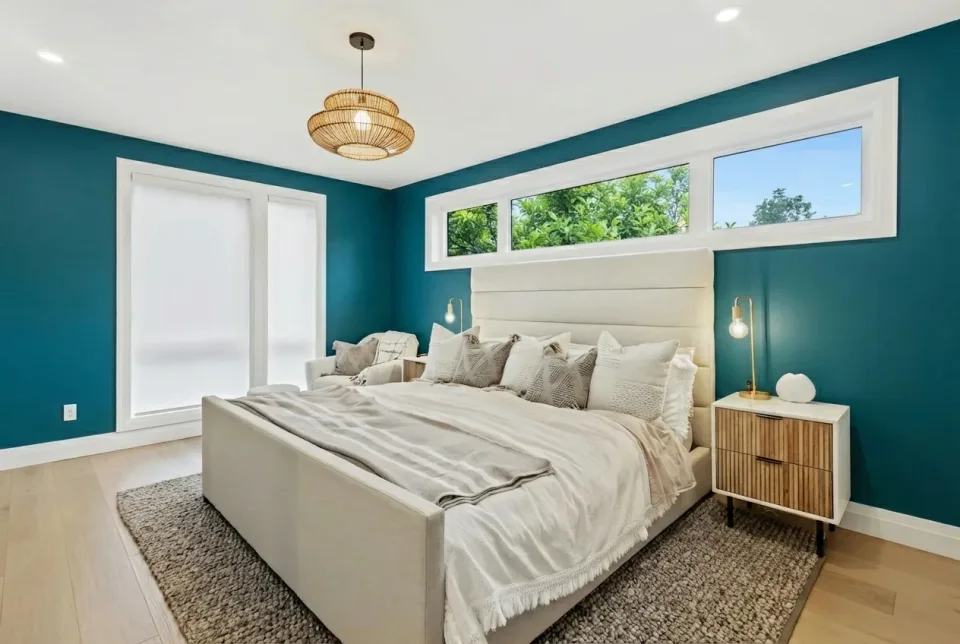
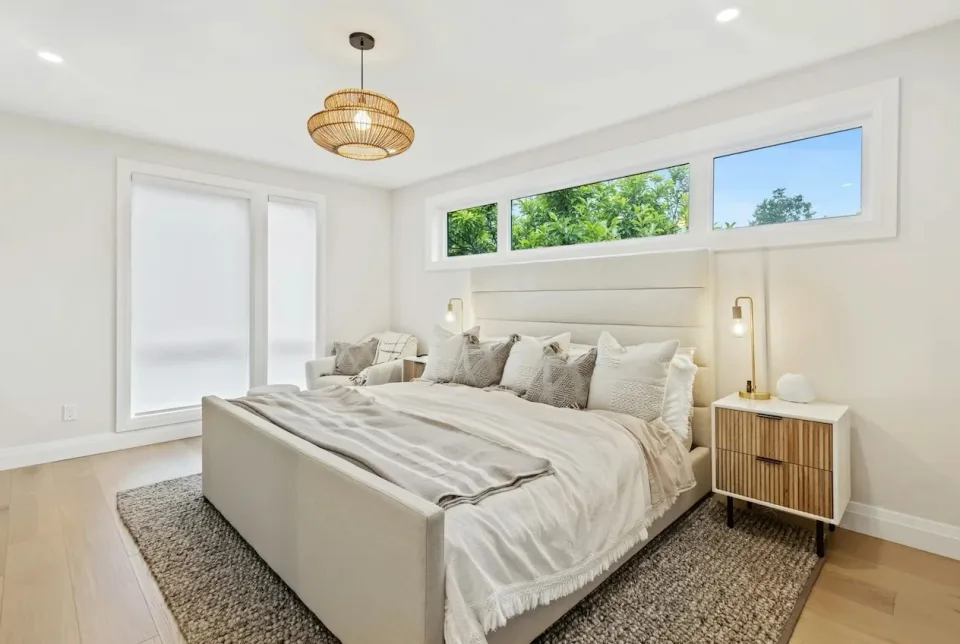
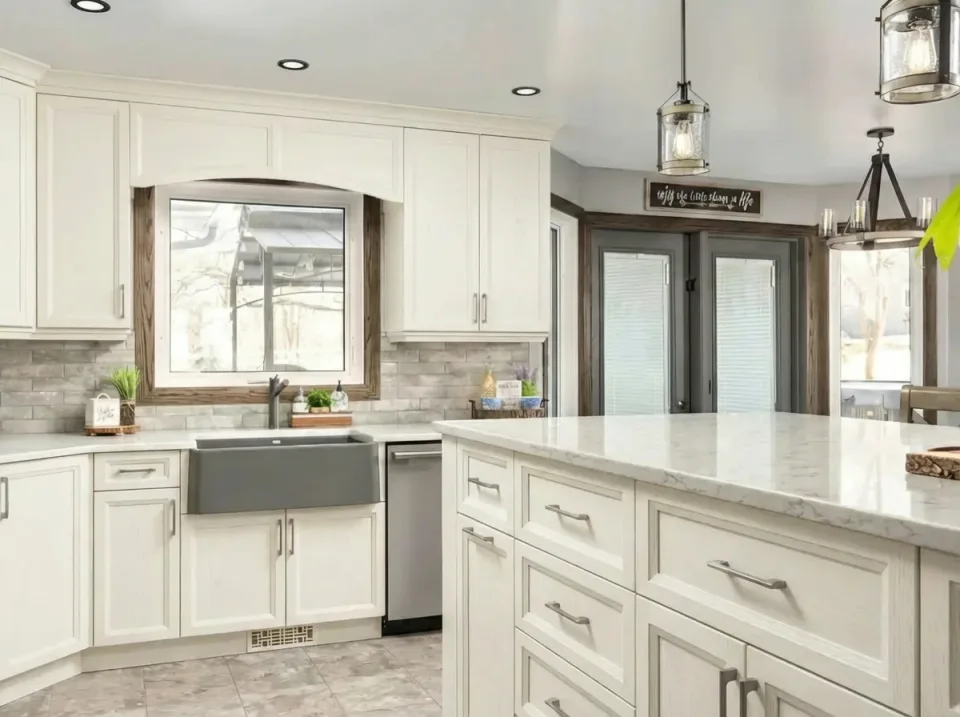
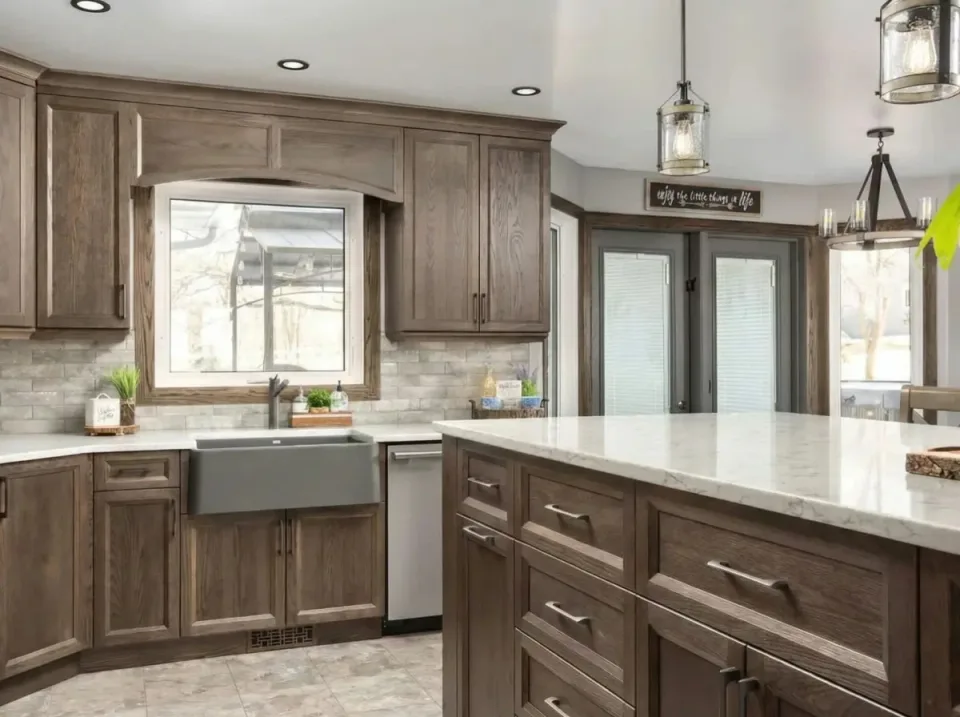


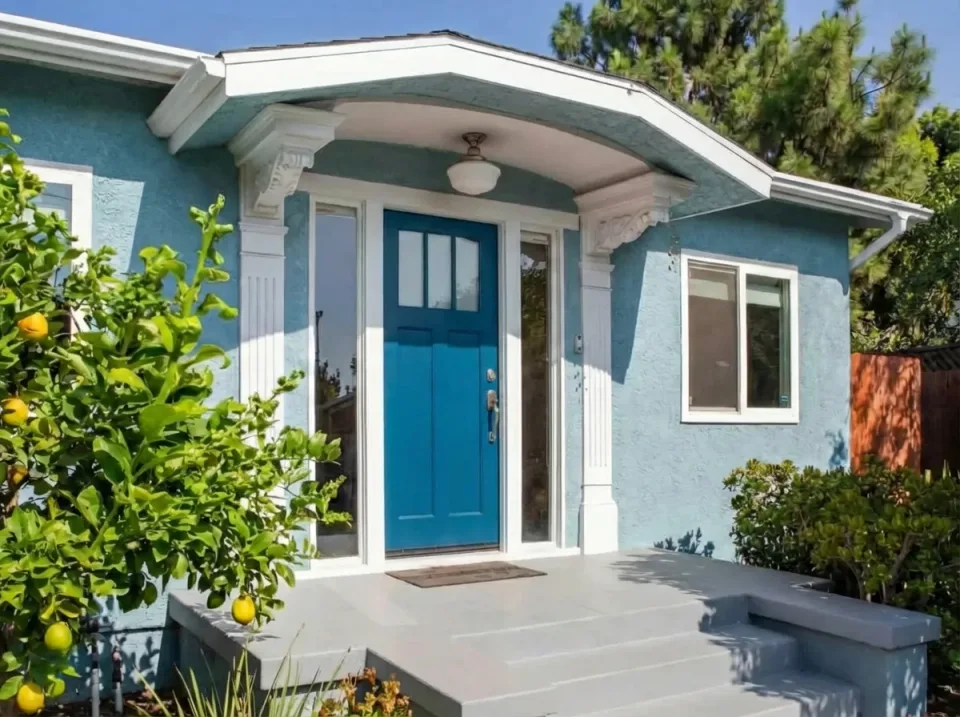
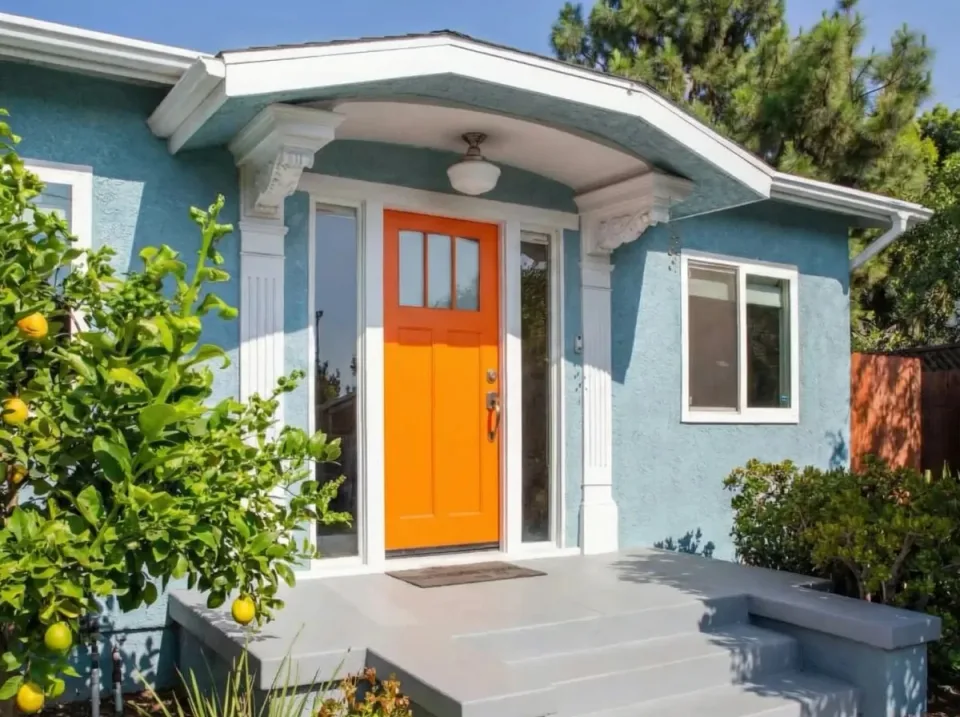




No More Paint Color Mistakes
Free high-fidelity house paint visualizer for interiors and exteriors using real colors from Sherwin-Williams, Benjamin Moore, Behr, PPG, Farrow & Ball, Valspar, and Dunn-Edwards.
Unlike traditional paint visualizers that require tedious manual masking, Housepaint AI uses advanced AI to detect walls, trim, doors, shutters, cabinets, siding, and other paintable surfaces automatically. It is a virtual home painter. Simply choose any area you want to repaint and watch it transform in seconds.
Upload your photo — Use any photo of your home's interior or exterior
Select surfaces to paint — AI detects walls, trim, doors, and more
Choose your colors — Browse thousands of real paint colors and see results in seconds
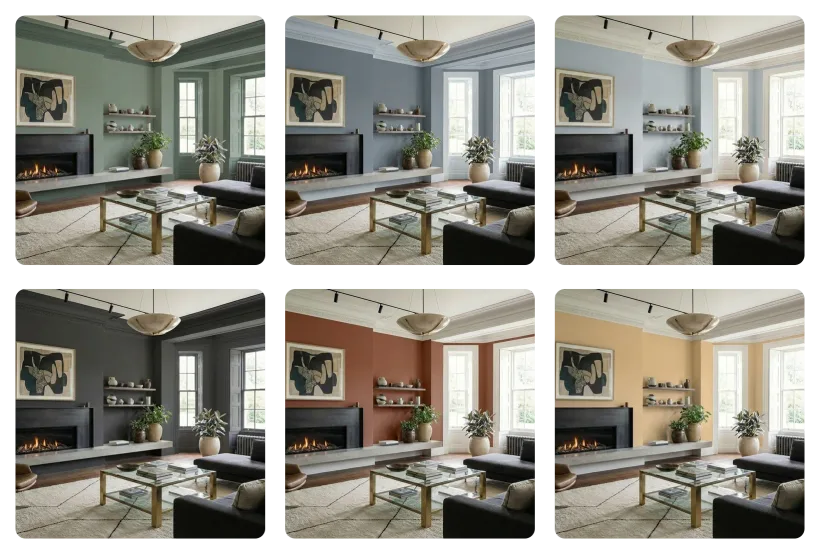
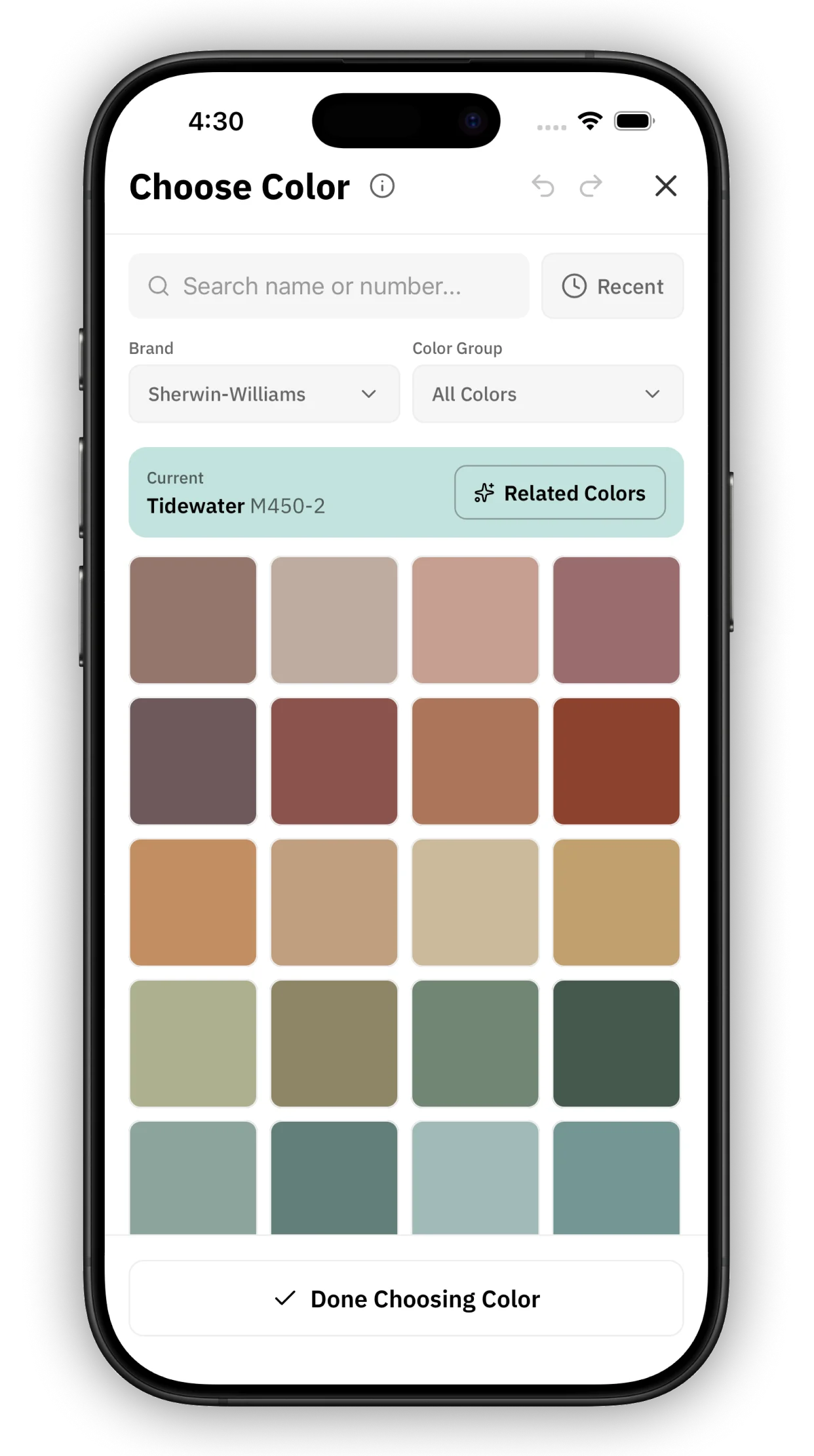
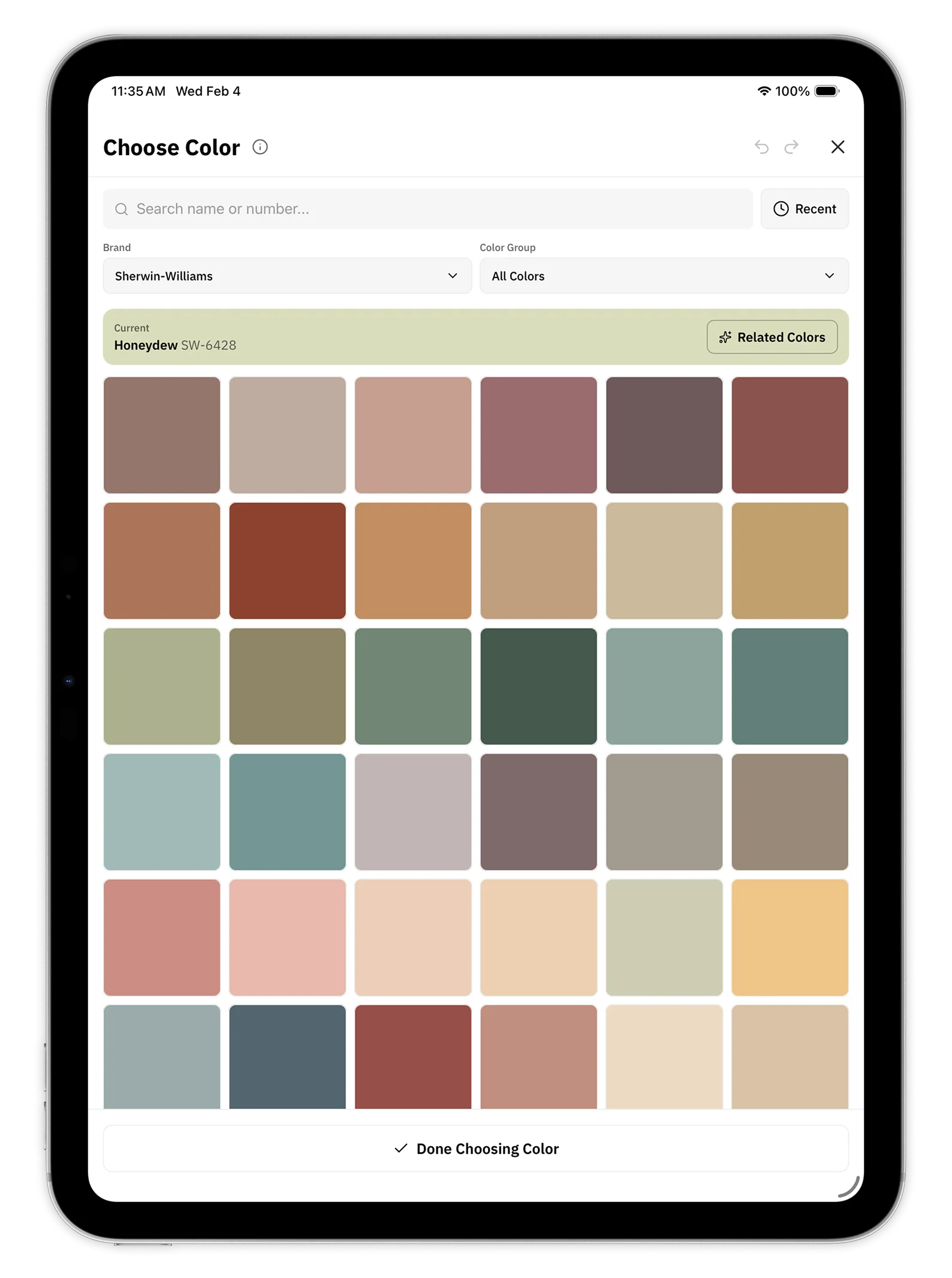
Thousands of Real Paint Colors
See real paint colors, organized by brand, in full fidelity. Every color is matched to official specifications.
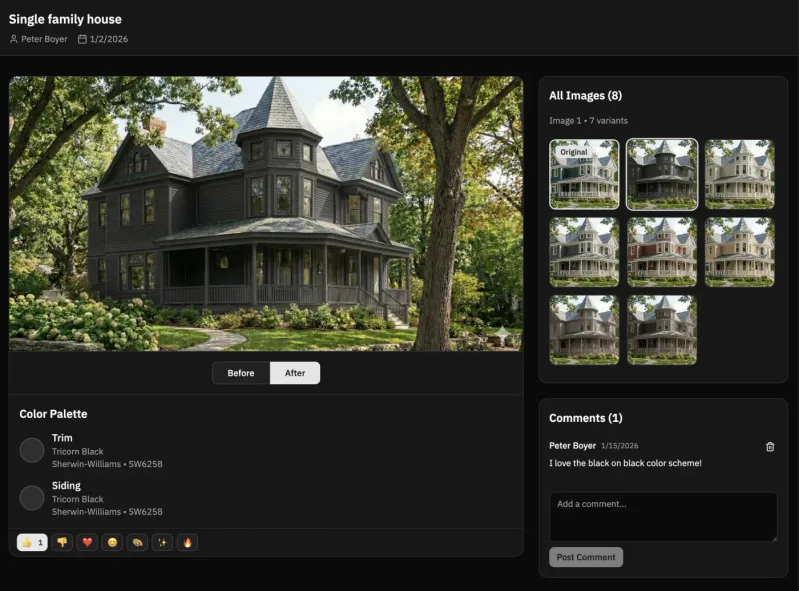
Share With Anyone
Get feedback from family, friends, or clients. Share your color options with a simple link—no installation required.
One-click sharing — Generate a shareable link in seconds
No account needed — Anyone can view your shared colors
Side-by-side comparison — See multiple color schemes together


Why Choose Housepaint AI?
The smartest way to visualize paint colors before you commit to a purchase
Save Time & Money
Stop buying sample pots and painting test patches on your walls. Visualize dozens of colors in minutes instead of weeks. Make confident decisions without the mess and expense of traditional sampling.
AI-Powered Accuracy
Our artificial intelligence understands light, shadow, and texture. Colors are rendered realistically on your actual home, not a generic stock photo. See how paint will truly look in your unique space.
Works For Any Project
Whether you're painting your living room or need an exterior house paint AI to refresh your home's curb appeal, our virtual house painter handles interior and exterior projects with ease.
Join thousands of homeowners, interior designers, and painting contractors who trust Housepaint AI to help them choose the perfect paint colors.
Visualize Any Surface
From interior walls to exterior brick, see how paint will look before you commit
Frequently Asked Questions
Everything you need to know about using Housepaint AI
How does the app work?▼
Simply upload a photo of your home's interior or exterior. Our home paint visualizer uses AI to automatically detect different surfaces like walls, trim, doors, and shutters. Choose any surface you want to repaint, pick a color from our library of thousands of manufacturer colors, and see the result in seconds. The AI preserves natural lighting, shadows, and textures for realistic previews.
What paint colors are available?▼
We offer over 19,800 colors from Sherwin-Williams, Benjamin Moore, Behr, PPG, Farrow & Ball, Valspar, and Dunn-Edwards. All colors are matched to official specifications.
Is Housepaint AI free to use?▼
Yes! New users receive 5 free credits to try the service—no credit card required. Image analysis costs 1 credit, and repainting costs 2 credits. After your free credits, you can purchase additional credits as needed. There are no subscriptions or recurring fees.
Can I use photos from my phone?▼
Absolutely! Housepaint AI works with any photo from your smartphone, tablet, or camera. For best results, take photos in good natural lighting and try to capture the full area you want to paint. Both interior and exterior photos work great.
How accurate are the color previews?▼
Our AI renders colors with high accuracy, preserving natural light and shadow for realistic results. However, digital displays can vary, so we always recommend getting physical paint swatches before making your final purchase. Think of Housepaint AI as a way to narrow down your choices before committing.
Is there a mobile app?▼
Yes! Repaint by Housepaint AI is available for iPhone, iPad, and Android devices. The mobile app includes all the same features as the web version, so you can visualize paint colors on the go—whether you're at the hardware store or walking around your neighborhood for inspiration.